Digital PowerPoint Presentation Template: Elevate Your Slides
If you've ever sat in front of a blank PowerPoint slide, cursor blinking, wondering how to make your presentation look polished without spending hours fiddling with alignment and color schemes, you're not alone. The Digital PowerPoint Presentation Template exists precisely for that moment. It's a ready-made framework designed to take your content and display it in a professional, contemporary way — whether you're pitching to investors, presenting quarterly results, or showcasing a portfolio.
A Clean, Modern Design That Lets Your Content Shine
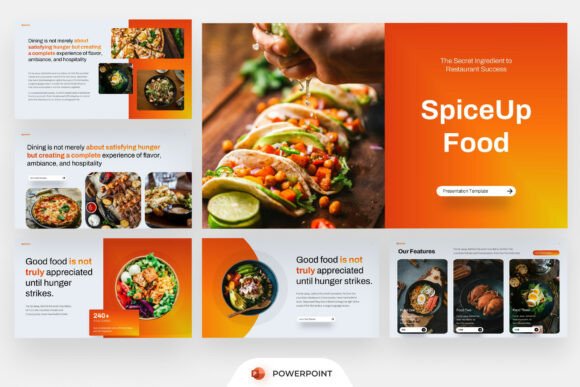
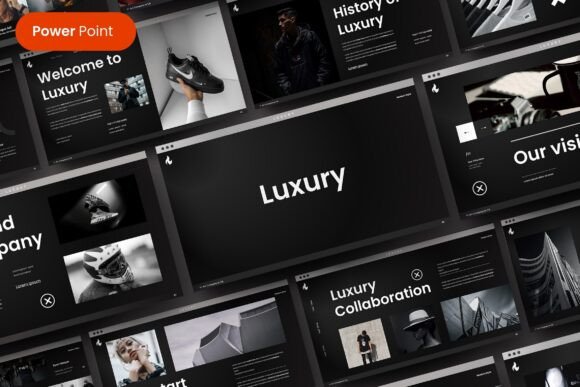
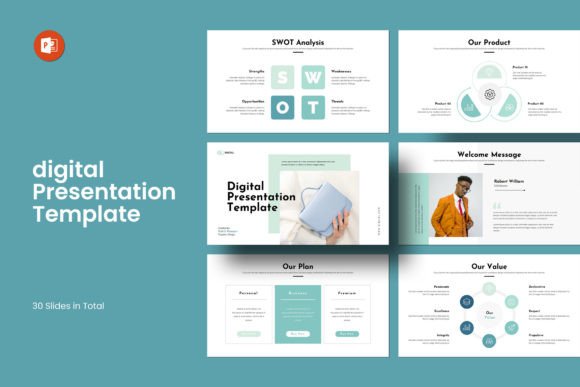
What strikes you first about the Digital PowerPoint Presentation Template is its restraint. The design doesn't shout. It uses generous whitespace, balanced layouts, and a contemporary aesthetic that feels current without being trendy in a way that'll look dated next year. There's a deliberate clarity to every slide — headlines sit where your eye expects them, images are framed with intention, and the overall visual rhythm feels cohesive from the opening slide to the closing call-to-action.
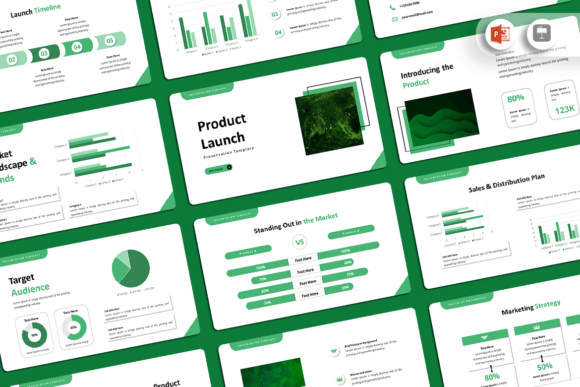
The template includes 30 slides in total, running at a 16x9 Full HD ratio (1920x1080px), which means your presentation will look sharp on modern displays and projectors. The layouts range from creative photo arrangements to infographics, data tables, vector icon integrations, and diagrams. It's not just a collection of title slides and bullet-point templates — it's a toolkit built for presenting real information in a visually digestible format.
One detail that matters more than people realize: the template is based on Master Slides. This means when you make a global change — adjusting a color, swapping a font — it cascades through the entire deck. For anyone who's ever manually updated 25 slides one by one, this alone is worth the investment. The theme color option lets you shift the entire palette in a few clicks, so the same template can work for a sleek tech startup, a warm lifestyle brand, or a corporate financial report.
Designed for Real People, Not Just Designers
The most practical thing about the Digital PowerPoint Presentation Template is how it's built for accessibility. There's no requirement to know advanced design software. If you can open PowerPoint and click, you can edit this template. The drag-and-drop image replacement is genuinely intuitive — select the placeholder, drop your photo in, and it crops to fit the layout automatically. All graphics are resizable and editable, so you're never locked into the default sizing.
The template comes with a bonus of 4000+ PPTX icons, which is a significant design asset on its own. Instead of hunting for icons online, resizing them, trying to match styles, and hoping they don't look out of place, you have a library already integrated into the PowerPoint environment. For entrepreneurs building pitch decks, marketers preparing campaign summaries, or bloggers creating media kits, this kind of built-in resource saves real time.
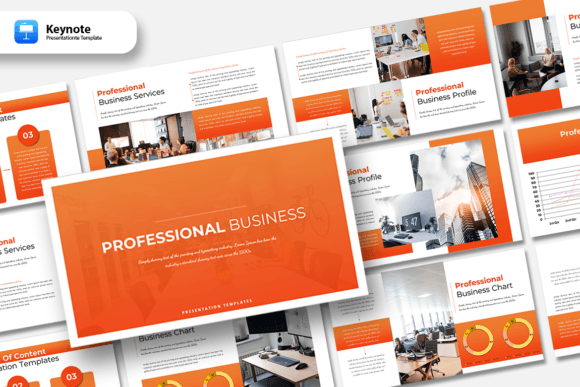
It works on both Apple and Windows, which solves a common compatibility headache. The font used is free, with links provided in the help file, so you won't run into missing font warnings when presenting on a different machine. A PDF support document walks you through the details, and the demo images aren't included — which is standard, but worth noting so you plan to use your own photography or source images separately.
Where This Template Actually Works Best
Think about the presentations you've seen that felt forgettable. Usually, the content was fine — the problem was the delivery. A strong presentation template acts like good brand identity work: it creates consistency, establishes professionalism, and lets the audience focus on what you're saying rather than being distracted by misaligned text boxes or inconsistent slide transitions.
The Digital PowerPoint Presentation Template fits a wide range of real-world scenarios. Small business owners can use it for client proposals, internal strategy meetings, or investor pitches. Marketers and content creators can build campaign overviews, social media strategy decks, or editorial calendars that look as polished as the work they're promoting. Designers and agencies can present portfolio pieces, case studies, or brand guidelines without needing to build a layout system from scratch. Even hobbyists and crafters can use it for workshop presentations, teaching materials, or showcasing projects at community events.
The infographics and diagram slides are particularly useful for anyone presenting data. Rather than copying a chart into a generic slide and hoping it looks okay, you have layouts specifically designed to frame numbers, timelines, and comparisons in a way that's visually clear. This matters in web design proposals, editorial design pitches, and packaging design presentations where you need to walk a client through a process or justify a creative decision with evidence.
Getting the Most Out of the Template
A few practical recommendations if you're considering this template. First, spend ten minutes browsing all 30 slides before you start editing. Understanding the available layouts upfront prevents you from forcing content into a slide that doesn't quite fit. Second, use the theme color feature early — pick two or three brand colors and apply them globally. This one step transforms the template from a generic framework into something that feels specifically yours.
Third, take advantage of the icon library intentionally. Icons work best when they're used sparingly and consistently. Pick a style — outline or filled — and stick with it throughout the deck. Fourth, pair your own high-quality images with the creative photo layouts. The template's modern typography and clean framing make good photography look even better, but they can't rescue low-resolution or poorly composed images.
Finally, remember that a template is a starting point, not a finished product. The best presentations feel like they belong to the person presenting them. Adjust the text, swap in your own examples, and don't be afraid to delete a slide that doesn't serve your story. The Digital PowerPoint Presentation Template gives you the structure and the design assets — your job is to bring the content and the conviction.
For anyone who presents regularly — whether to clients, teams, audiences, or collaborators — having a reliable, professional template in your toolkit isn't a luxury. It's a practical investment in how your ideas are received.